Integrating monday.com with Your Business Ecosystem: Top Apps and Use Cases for Seamless Workflows
December 12, 2025
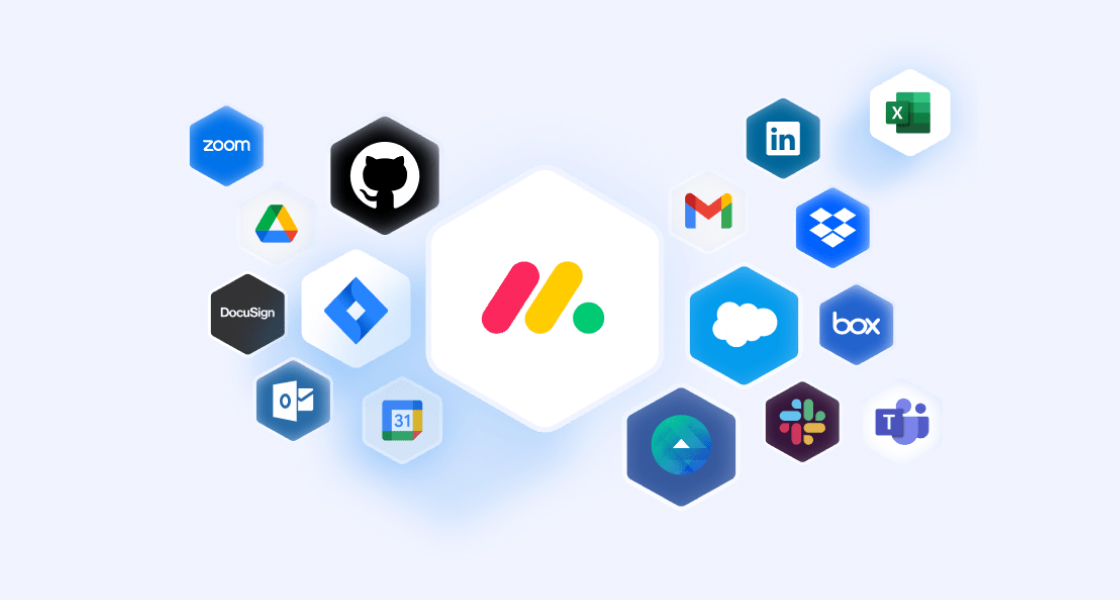
In today’s fast-moving digital workplace, teams rely on dozens of apps to communicate, collaborate, store information, and serve customers. But when those tools don’t talk to each other, teams lose time on manual work, data becomes scattered, and decision-making slows down.
monday.com, a powerful Work Operating System, already helps organizations manage projects, workflows, and team priorities. Yet its real magic happens when you connect your everyday apps to it. Integrations transform monday.com from a project board into a connected ecosystem—one that eliminates silos, automates routine work, and gives teams the clarity they need to operate efficiently.
If you’re looking to streamline operations, increase visibility, or simply reduce the busywork that clogs up your day, monday.com integrations are your gateway to a smoother, more connected business environment.
Modern businesses depend on multiple tools: email, chat, calendars, CRM systems, meeting platforms, and file storage. Switching between them creates friction and drains productivity.
Connecting these tools to monday.com solves that by:
Instead of juggling systems, your team operates from a single command center, where information flows effortlessly and everyone stays aligned.
Here are some of the most impactful tools you can connect to monday.com to streamline communication and automate workflows:
Let’s explore how these integrations create meaningful impact in everyday business workflows.
Slack keeps conversations moving. monday.com keeps work moving. Together, they eliminate gaps between discussions and actions.
With this integration, you can:
Real example:
An IT support team manages tickets in monday.com. When an issue is escalated, Slack instantly notifies the right channel—so the team can respond quickly and improve customer satisfaction.
Meetings shouldn’t require hunting for links, notes, or follow-up actions. Integrating Zoom helps teams keep everything in one place.
You can:
Example:
For recurring project check-ins, teams can create a Zoom link directly in monday.com and store all agendas and follow-up tasks in the same workflow.
Most teams rely daily on Gmail, Google Calendar, and Google Drive. When integrated with monday.com, these tools become even more powerful.
You gain the ability to:
Example:
Marketing teams can plan campaigns in monday.com while linking Drive folders for creative assets, making everything easy to access, review, and update.
Salesforce, HubSpot, and other CRM systems are critical for managing customer relationships. Integrating them with monday.com connects your sales, onboarding, and support teams.
You can:
Example:
When a deal closes in Salesforce, monday.com can automatically create a customer onboarding board, notify the implementation team, and centralize all client information in one place.
Beyond the essentials, monday.com supports more tools that enrich collaboration:
Share updates or embed monday.com boards as tabs.
Turn emails into tasks; sync monday.com due dates with your Outlook calendar.
Align product and engineering work streams without leaving monday.com.
Attach files directly to tasks and avoid version confusion.
Connect monday.com to hundreds of additional apps, from HR tools to finance platforms.
Integrations are just the beginning. Automation is what turns monday.com into a true operational engine.
You can create workflows that:
Once your workflows are in place, your team spends less time managing processes and more time moving the business forward.
To get the most value out of your monday.com integrations:
Look for manual steps, approvals, or handoffs that slow your team down.
Email, chat, meetings, and CRM should be your first targets.
They help you set up workflows quickly and avoid complexity.
Launch one integration at a time to measure impact and optimize.
The best automations come from real team needs.
Always check permissions and access controls, especially when working with customer data.
Here are a few practical ideas to spark inspiration:
Set a status to “Hired” → automatically send welcome emails, create IT tasks, and schedule orientation meetings.
Launch a campaign → assign deadlines to Calendar, store assets in Drive, and notify the team on Slack.
Close a deal → generate a ready-to-use onboarding board in monday.com.
Sync Jira development tasks with monday.com → keep cross-functional teams aligned.
monday.com is more than a project management tool—it’s an adaptable, scalable platform that connects your entire business. Integrating this platform with tools like Slack, Zoom, Google Workspace, Outlook, and CRM systems unlocks new levels of clarity, speed, and collaboration.
The first integration is just the beginning. As you continue connecting apps and refining workflows, your organization becomes more agile, more aligned, and better equipped to deliver exceptional results.
Ready to transform the way you work? Contact Us!